
From playing games to coding their own.
The games your child already loves become the way they learn to think: logic and problem-solving in Scratch, creativity in games they steer with their hands, then genuine typed code in Roblox Studio. Ten badges, one hard thing at a time — each earned, never given.
- Never more than 3 in a class
- Live instructor every session
- Nothing to buy or ship
One hard thing at a time
Each badge is a single new difficulty, mastered — typically two to three months. No badge has an age: a fast six-year-old climbs as far as their work takes them, and the demo decides where they start.
Spark
Scratch2 moThe computer does exactly what you say — nothing more, nothing less.
They ship: A chase game they can explain block by block.
- sequences
- events
- loops
- sprites & sounds
Wave
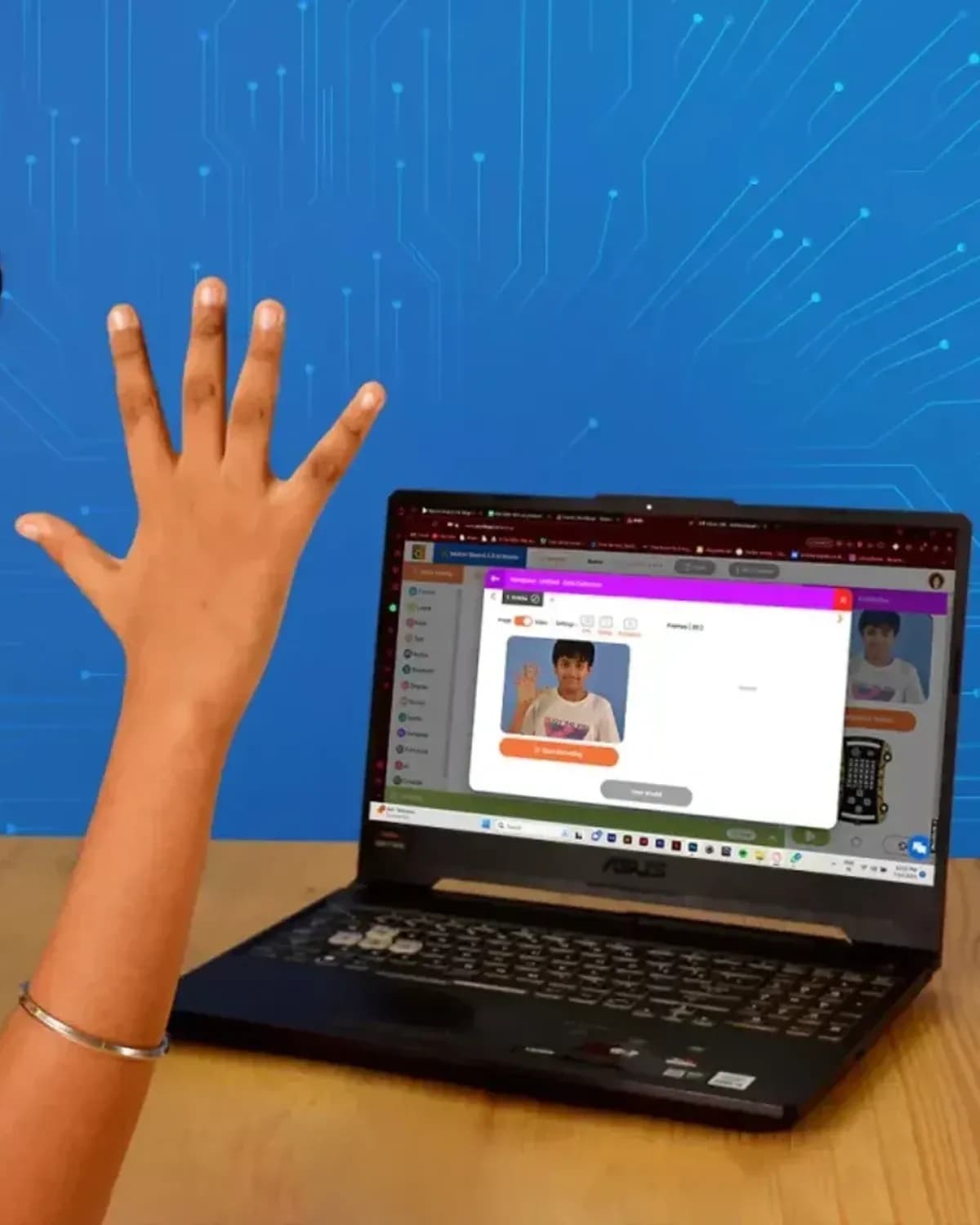
Gesture gaming2 moThe real world is an input — a camera can be a game controller.
They ship: A game controlled entirely with their hands. No keyboard.
- camera as sensor
- gesture → action
- calibration
Logic
Scratch2–3 moThe game has to remember — score, lives, and what happens at zero.
They ship: A two-level platformer with score, lives and a proper ending.
- variables
- conditionals
- keyboard input
- win & lose states
Forge
Scratch · advanced2–3 moBig programs are built from small named pieces — write once, use everywhere.
They ship: A complete arcade game — menu, difficulty, game over — presented to the class.
- custom blocks
- clones
- broadcasting
- enemy behaviour
Worlds
Roblox Studio2 moThree dimensions — building for a player who can walk anywhere and look at everything.
They ship: A published obstacle course other kids actually play.
- 3D space
- terrain & parts
- physics
- playtesting kindly
Script
Roblox · Lua3 moTyped code — the training wheels come off the blocks. The ladder's steepest rung.
They ship: Their obstacle course, rebuilt with scripted traps, doors and pickups.
- real syntax
- functions in text
- touch events
- a leaderboard
Systems
Roblox · Lua3 moA multiplayer game is many computers agreeing — the server decides, the players see.
They ship: A multiplayer mini-game with saved progress that friends can join.
- server vs client
- GUIs
- saving progress
- balancing
Launch
Capstone studio3 moFinishing — scope, cut, polish, ship, and stand behind it in public.
They ship: An original game, launched, presented at a demo day for families.
- scoping & cutting
- feedback rounds
- game feel
- presenting
Vision
AI games · first Pythonstretch tier · 3 moGames that perceive — vision, speech, and AI characters that decide for themselves.
They ship: A game with an AI opponent that reads the player.
- computer vision in play
- AI-driven characters
- first Python
Mentor
The black badgestretch tier · by invitationTeaching it — you only truly know what you can explain to a Spark.
They ship: A portfolio, and a Spark student they helped up their first rung.
- assisting demo classes
- code review for juniors
- presenting a portfolio
One price, every badge
The same monthly price from Spark to Launch — no step-ups as your child climbs.
Group class
$129/month
Never more than 3 students. One hour a week, live.
One-on-one
$199/month
Your child and their instructor. Fastest climb, flexible scheduling.
Every enrolment starts with the free placement demo — that’s where the right badge gets decided. You choose a class time when you enrol.
Thirty minutes tells us exactly where they are
Not a sales call — a short class. Your child plays and builds; the instructor watches how they think.
5 min
Play a gesture game
A warm-up where the camera is the controller — comfort on screen, and the moment that shows what this programme is.
10 min
Build together in Scratch
An open project with escalating challenges: make it move, make it chase, add a score. Where they stall is the honest reading.
10 min
Explore a 3D world
Navigating Roblox Studio, and a few lines of real code to react to. This separates world-builders from script-ready students.
5 min
Your placement
The instructor names the badge your child starts at, what they'll be working toward, and whether a group or one-on-one fits better.
Enrol in the class you were placed in
One price, one path. Classes meet at different times and gather children on neighbouring badges, so nobody is ever the only one at their level — the demo tells you which class is yours. Or take the same path one-on-one, at any badge. Enrol here, and pick an open class time or suggest one.
Badges 1–2
Spark · Wave
First month charged when you enrol, then monthly, about two weeks before each month
Badges 3–5
Logic · Forge · Worlds
First month charged when you enrol, then monthly, about two weeks before each month
Badges 6–8
Script · Systems · Launch
First month charged when you enrol, then monthly, about two weeks before each month
One-on-one · any badge
Spark → Launch
First month charged when you enrol, then monthly, about two weeks before each month
A class that happens to be online
A laptop and a webcam
Nothing to buy or ship. Everything runs in the browser or free software we set up together in the first session.
Never more than 3
A real instructor on camera and at most three students — small enough that every child is seen every session. Or one-on-one.
Term-time, monthly
One hour a week, billed monthly and following the school calendar. Join any month; your first payment lands on your start date.
Badges, earned
Each badge is one hard thing, mastered — typically two to three months. Instructors move a child up when their work says so, never the calendar.
Before you book
Where does my child start?
Wherever they actually are — that is what the free 30-minute demo determines. A child who has never seen a block starts at Spark; a child already writing Roblox scripts starts at Script. Age never decides placement, ability does, and a fast six-year-old can climb quickly.
How big are the groups?
Never more than three students per class, with a live instructor on camera. Families who want faster progress or a fully flexible schedule can choose one-on-one coaching instead.
When are classes, and in what time zone?
Group classes meet at set times, given in Pacific and Eastern time: Saturday 2:00–3:00 PM PT / 5:00–6:00 PM ET; Saturday 3:30–4:30 PM PT / 6:30–7:30 PM ET; Weekdays 6:00–7:00 PM PT / 9:00–10:00 PM ET. You pick an open time when you enrol; a new group opens once the one before it fills. The weekday group meets on one weekday evening agreed with its families. If none of these works, choose "Suggest another time", tell us the days that suit you and your time zone, and we'll confirm. One-on-one classes can use any of these times or one you suggest.
Does my child need any experience?
No. The first badge assumes nothing. If your child has built games before, the demo places them further up the ladder — nobody repeats what they already know.
What equipment do we need?
A laptop or desktop with a webcam and a reasonably steady internet connection. Tablets don't work well for the building tools. Nothing is shipped and there is nothing to buy.
Is it really live?
Yes. Every session is a small group with an instructor on camera. Students share screens, ask questions and show each other their work. It is a class that happens to be online, not a video course.
How does billing work?
Monthly, term-time, following the school calendar. Choose a start date at checkout; your card is saved then and the first payment is taken on that date. Cancel any time before the next month.